Neon Box Border Glow
Created byNibo
v4.5
2D Shader
CreatedJul 14, 2026
UpdatedJul 14, 2026
About this shader
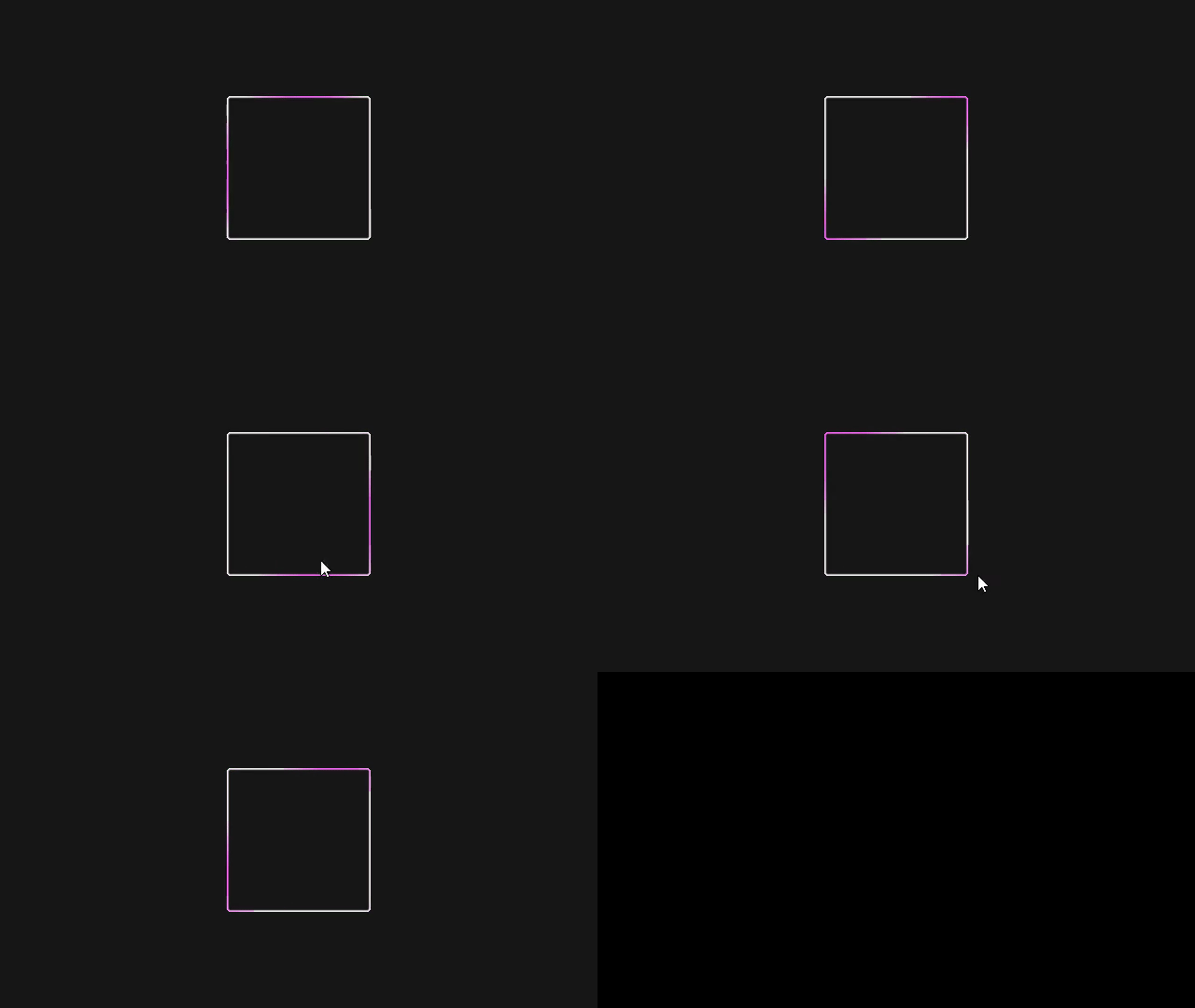
A rounded, thicker neon rectangular border glow shader. Features a beautiful white-purple animated diagonal sweep gradient. It automatically adapts to the Sprite's texture size or Control node size without clipping, using an inner fading glow and a rounded corner SDF calculation. Set rect_size using: material.set_shader_parameter('rect_size', texture.get_size()).
Shader Code
shader_type canvas_item;

// === Neon Box Border Glow Shader ===
// A clean, rewritten rectangular glow effect.
// Features an animated two-color gradient (default white & purple)
// travelling along the borders of the bounding box.

// Colors for the animated gradient
uniform vec4 color1 : source_color = vec4(1.0, 1.0, 1.0, 1.0); // White
uniform vec4 color2 : source_color = vec4(0.6, 0.2, 1.0, 1.0); // Purple

// Glow settings
uniform float thickness : hint_range(1.0, 50.0) = 8.0;
uniform float corner_radius : hint_range(0.0, 100.0) = 12.0;
uniform float speed : hint_range(0.0, 10.0) = 3.0;
uniform float intensity : hint_range(1.0, 5.0) = 2.0;

// Size of the node in pixels.
// For Control nodes, pass `size` from GDScript.
// For Sprites, pass `texture.get_size()`.
// Example: material.set_shader_parameter("rect_size", size)
uniform vec2 rect_size = vec2(64.0, 64.0);

void fragment() {
	// Current pixel coordinate mapped from UV
	vec2 px = UV * rect_size;

	// Center coordinate
	vec2 center_px = px - rect_size * 0.5;
	vec2 half_size = rect_size * 0.5;

	// Rounded Box SDF (Signed Distance Field)
	// Calculates distance to the nearest edge of a rounded rectangle.
	// Negative values are inside the box, positive are outside.
	vec2 q = abs(center_px) - half_size + vec2(corner_radius);
	float dist_to_box = min(max(q.x, q.y), 0.0) + length(max(q, 0.0)) - corner_radius;

	// We want the distance FROM the edge inwards.
	// Values outside the box (positive dist) will have negative min_d.
	float min_d = -dist_to_box;

	if (min_d < 0.0 || min_d > thickness) {
		// Outside the rounded box (corners) OR deep inside the border
		COLOR = vec4(0.0);
	} else {
		// Create an animated pulsing gradient
		// Using a combination of X and Y for a diagonal sweep effect
		float t = TIME * speed;
		float pos_factor = (px.x + px.y) / max(rect_size.x + rect_size.y, 1.0);

		// Sine wave mapped to 0..1 for blending
		float blend = (sin(t - pos_factor * 6.28318) + 1.0) * 0.5;
		vec3 color_mix = mix(color1.rgb, color2.rgb, blend);

		// Soft gradient alpha: 1.0 at the extreme edge, fading to 0.0 at the inner boundary
		float edge_alpha = 1.0 - smoothstep(0.0, thickness, min_d);
		edge_alpha = sqrt(edge_alpha); // Non-linear curve to soften the glow falloff

		// Final output
		COLOR = vec4(color_mix * intensity, edge_alpha);
	}
}
Live Shader Preview
This feature is currently in beta.
Keep exploring
Related shaders
More community shaders with similar tags and compatibility.
Community Discussion
0Join the discussion! Log in to share your thoughts.
Log In to Comment